WCAG 2.1 AA compliant
Accessibility that includes the map
Ready for the ADA Title II deadline in April 2027. Senf is WCAG 2.1 AA compliant across the project website, the survey and the map, with a VPAT for your proposal.
Let's talk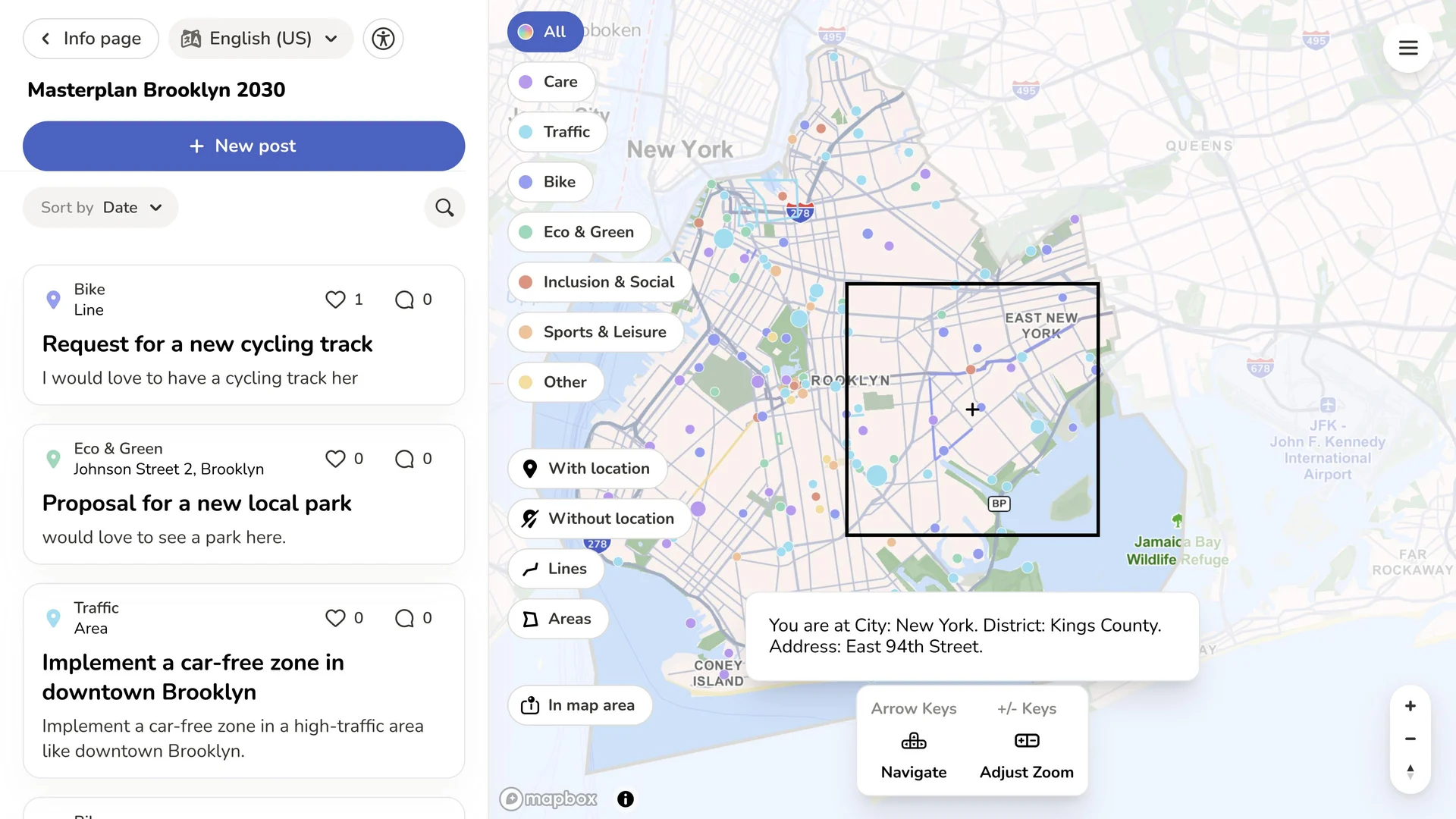
At a glance
WCAG 2.1 AA compliant
Compliant with WCAG 2.1 Level AA, the level the ADA Title II rule requires. We test against WCAG 2.2 Level AA, which contains it.
Full keyboard navigation
Residents can do everything without a mouse: read the project website, answer every survey question type and use the map.
Works with screen readers
Tested with NVDA, JAWS and VoiceOver. Pages carry landmarks, headings and labelled controls.
An accessible map
Arrow keys move it, Space sets a point, Enter finishes a route or an area, and each move announces the position.
Every map comment as a list
Every contribution on the comment map also appears in a list next to it, so the map is never the only way in.
18 languages included
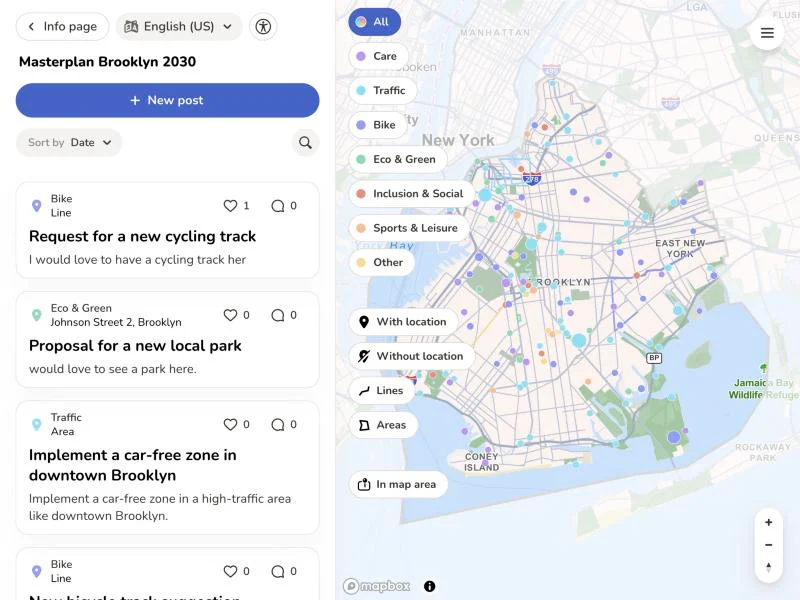
18 languages, switched on per project at no extra cost. Residents pick theirs from a menu on every page.
High contrast, visible focus
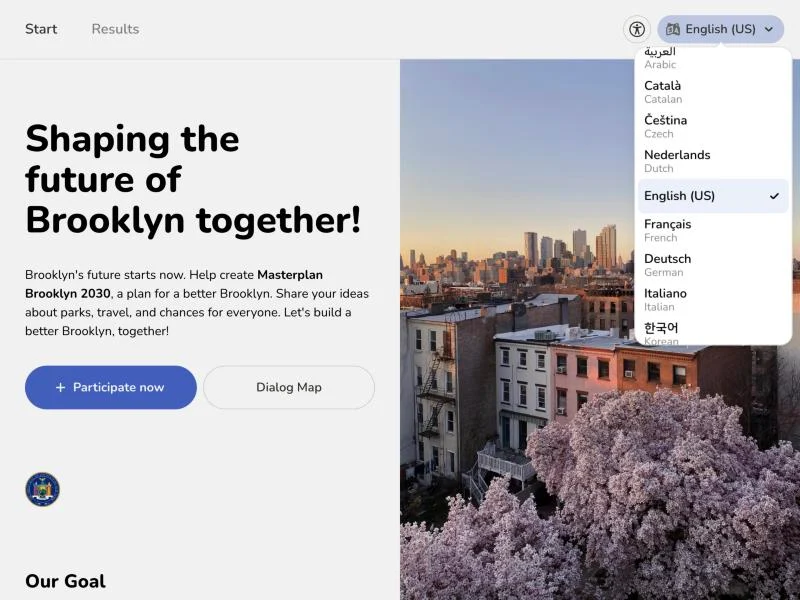
On our demo project, body text measures 21:1 and button labels 5.5:1 against a required 4.5:1. A ring marks the control that has keyboard focus.
Tested by people who rely on it
People with visual and mobility impairments test Senf with us, most recently on April 20, 2026.
Can residents use the map without a mouse?
Yes. The map takes keyboard focus like any button on the page. Once it has focus, a crosshair marks the center and a legend shows the keys. The arrow keys move the map and the plus and minus keys zoom; Space sets a point, Enter finishes a route or an area, Backspace undoes the last point and Esc cancels. The same keys work in all three map question types (set a point, draw a route, outline an area) and on the comment map. A resident who would rather skip the map can type an address instead.
What the recording shows
- Tab moves focus through the page, and a ring shows which control has it.
- Enter on the map button opens the comment map, with every contribution listed beside it.
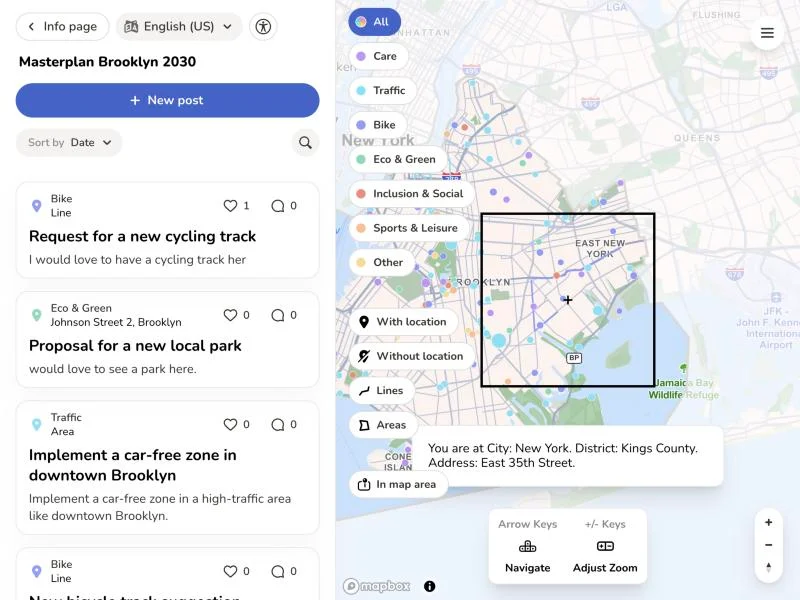
- Tab moves focus onto the map. A crosshair and a key legend appear, and the arrow keys move the map. Each move announces the position, for example: "You are at City: New York. District: Kings County. Address: East 35th Street."
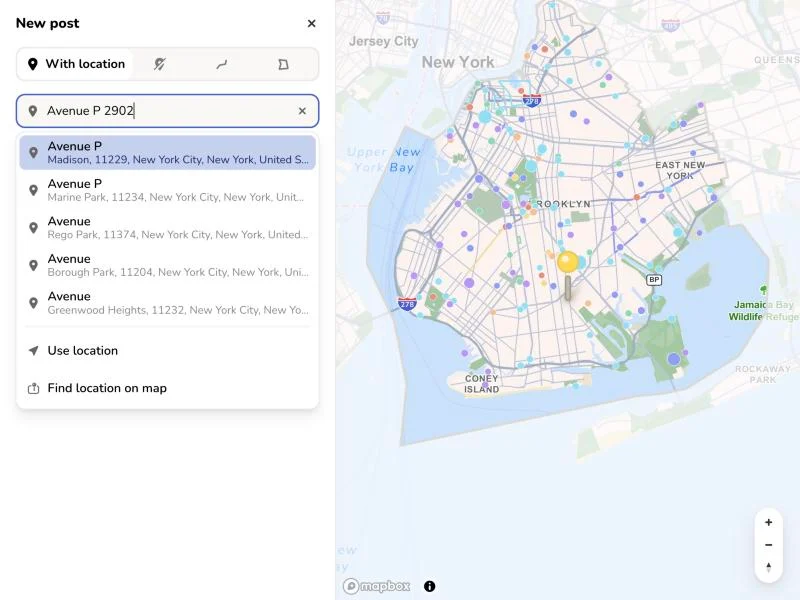
- In a new post, the arrow keys move the map under the pin and the address fills in.
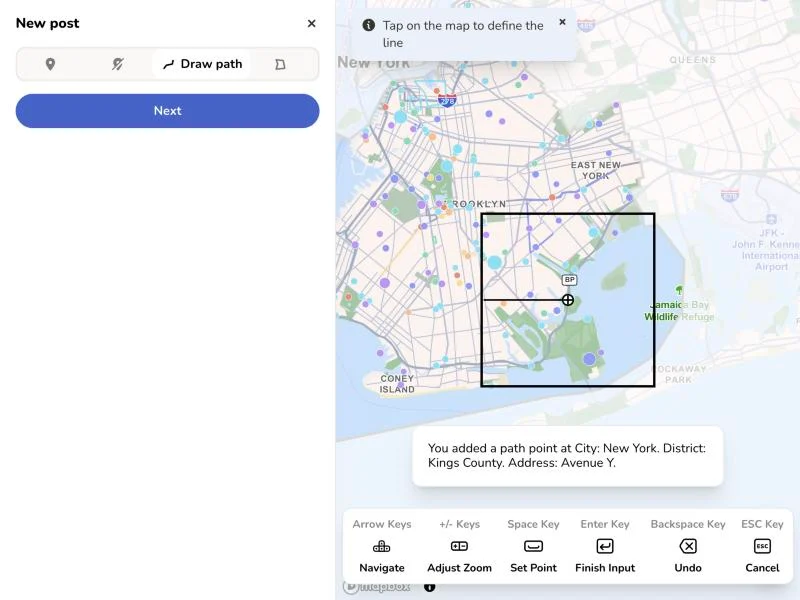
- For a route, Space sets each point and the map confirms it: "You added a path point at City: New York. District: Kings County. Address: Avenue Y."
- Enter finishes the route, and the map announces "Drawing completed".
| Key | What it does |
|---|---|
| Tab | Moves focus onto the map, then on to the next control |
| Arrow keys | Move the map |
| Plus and minus | Zoom in and out |
| Space | Sets a point |
| Enter | Finishes a route or an area |
| Backspace | Undoes the last point |
| Esc | Cancels |
Drawing without dragging
Drawing never depends on dragging. WCAG 2.2 asks for an alternative to every drag movement, and on the map the keyboard is that alternative. Ranking questions follow the same rule, with a number selector next to drag and drop.
What does a screen reader user get?
Senf is tested with NVDA on Chrome, JAWS on Edge, and VoiceOver on Safari for Mac and iPhone.
- Structure: every page has banner, navigation, main and footer landmarks and a heading outline, so a screen reader user can jump between sections.
- Labels: every survey question, form field and button has a name a screen reader can read. Errors are written out in text and tied to the field they belong to.
- Status: progress and changes are announced without moving focus, such as the current step of a survey or the position on the map.
- Images: Senf drafts alt text for each image your team uploads, and your team edits it before publishing.
- Language: each page declares its language, so the screen reader switches to the right voice.
Read out on our demo project
- "Step 1 of 11"(survey progress)
- "Filter: Traffic, deactivated"(a filter on the comment map)
- "Adjust language"(the language menu)
- "You are at City: New York. District: Kings County. Address: East 35th Street."(position on the map)
- "You added a path point at City: New York. District: Kings County. Address: Avenue Y."(a route point set with Space)
- "Drawing completed"(a route finished with Enter)
Names and announcements Senf exposes to assistive technology, copied from the demo project on November 26, 2026.
Which languages can residents use?
Senf translates a project into 18 languages: Arabic, Catalan, Chinese, Czech, Dutch, English, French, German, Hmong, Italian, Korean, Polish, Portuguese, Russian, Spanish (European and Latin American), Tagalog, Turkish and Ukrainian. Your team switches on the ones a community speaks, at no extra cost, and residents choose from a menu at the top of every page.
Comments written in another language are translated for your team, with the resident's original wording one click away. When a street name or a technical term comes out wrong, your team corrects it in the translation editor. For agencies with Title VI obligations, this is how project materials reach residents in the languages they speak.
How does Senf handle contrast, text size and focus?
- Body text21:1
black on white
- Secondary text12.5:1
rgb 56, 51, 45 on white
- Button labels5.5:1
white on rgb 70, 98, 200
Measured on our demo project on November 26, 2026. WCAG 2.1 AA requires 4.5:1 for body text.
- Color is never the only signal. Errors, selections and required fields also carry text or an icon.
- Text resizes to 200% without losing content or function.
- Every button, link and field shows a ring when it has keyboard focus.
- Animations respect the reduced-motion setting on the resident's device.
- When your team applies a client's brand colors, we check the palette for contrast on request during onboarding.
What does Senf carry, and what stays with your team?
Accessibility has a platform layer and a content layer. Senf carries the first on every project and writes the first draft of the second.
| Senf provides | Your team reviews |
|---|---|
| Keyboard and screen reader support for the project website, the survey and the map | Your team reviewsThe questions and page text you publish |
| Alt text drafted for each uploaded image | Your team reviewsEach alt text before it goes live |
| Translation into the languages you switch on | Your team reviewsPlace names and technical terms |
| A contrast check of a client's brand palette, on request | Your team reviewsThe brand colors you choose |
| A printable survey, with completed paper forms scanned into the same results | Your team reviewsCaptions for the videos you publish |
Residents who can't or won't take part online get the same survey on paper. It prints as a PDF, and the completed forms are scanned into the same results as the online responses.
How do charts and results reach everyone?
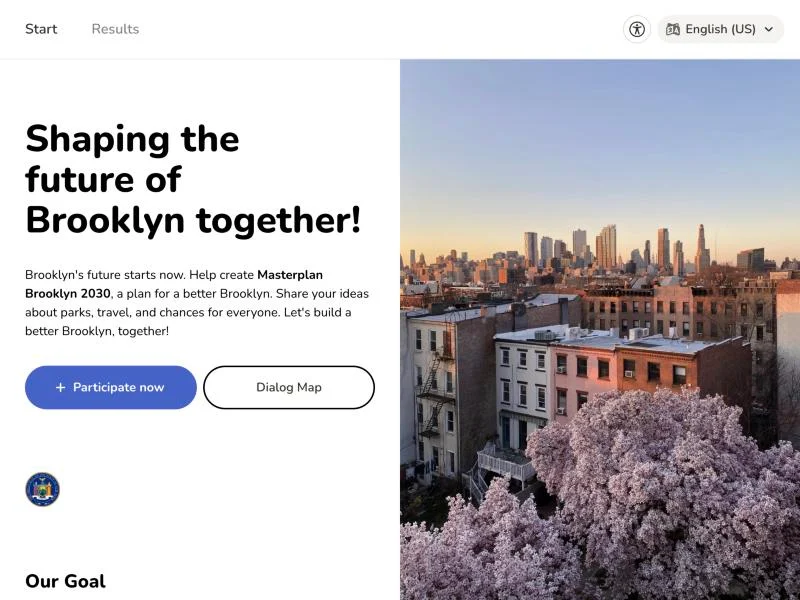
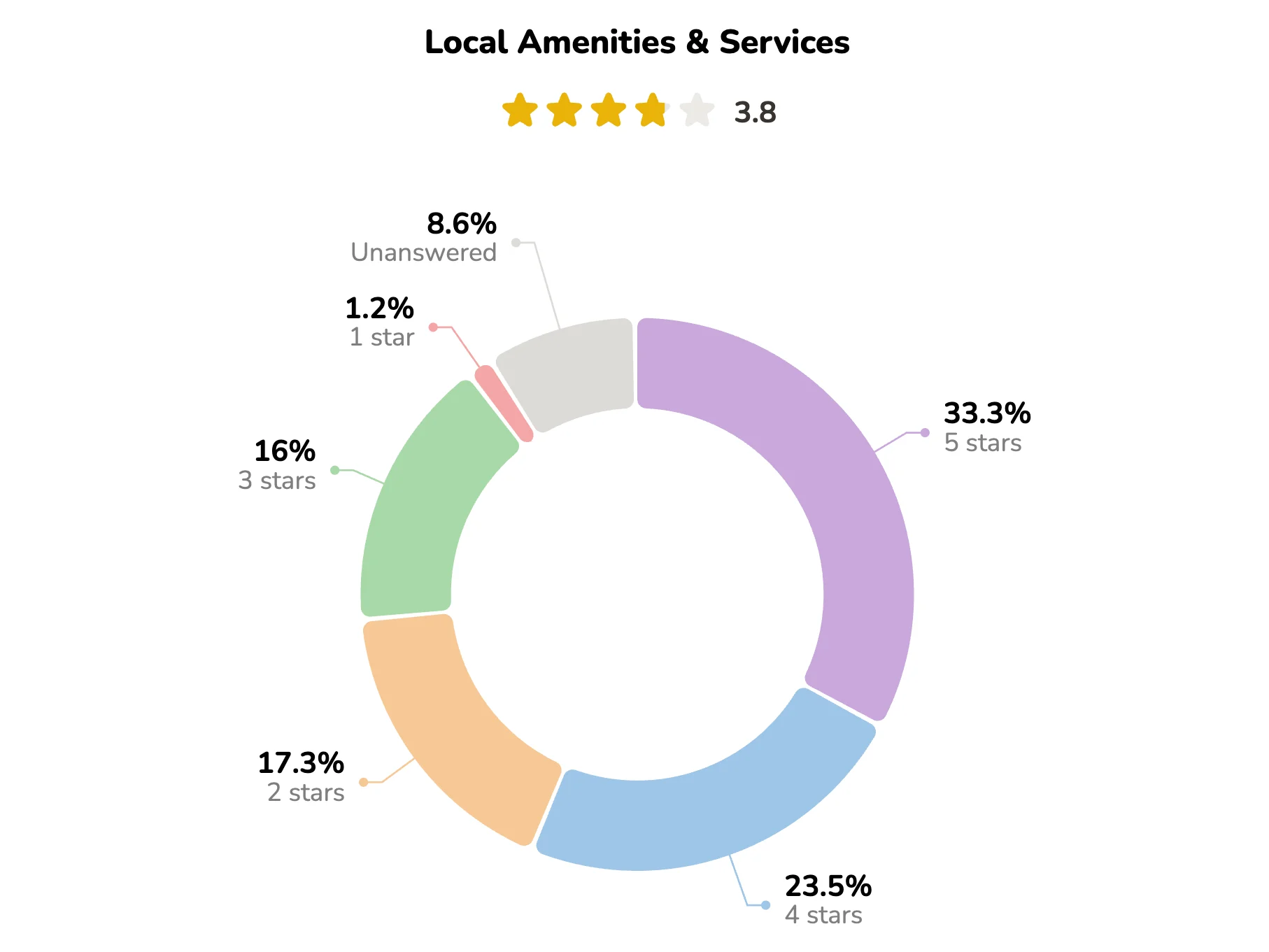
Results leave Senf in more than one form, so no reader depends on a picture of a chart. Each question's results can be shown as a table as well as a chart. Charts export with their values and labels printed on them, in a color palette your team chooses, and the full dataset exports to Excel. In the engagement summary, put the table next to the chart.
How is Senf tested?
- With a keyboard only, through complete participation flows.
- With screen readers: NVDA, JAWS and VoiceOver.
- With automated checks (axe-core) across representative project pages. Automated scanners catch only part of the issues, which is why the manual steps come first.
- With users: testing sessions with participants who have visual and mobility impairments, through a university research partnership. The most recent session was on April 20, 2026.
- On current versions of Chrome, Firefox, Safari and Edge.
An external accessibility audit in May 2025 covered keyboard navigation, screen reader compatibility, color contrast, focus order and ARIA structure. Features released since then are covered by the testing above.
Conformance report
Our Accessibility Conformance Report follows the VPAT 2.5 format. It covers WCAG 2.2 Level A and AA and Revised Section 508 criterion by criterion, for everything residents use: the project website, the survey and the map. The report is ready, and you can request a copy for your proposal. Send us any accessibility questions too, and we'll answer within five business days.
Request the VPATLast updated November 26, 2026
Questions firms and agencies ask
The Department of Justice rule covers web content a state or local government provides or makes available, including through a contractor. It sets WCAG 2.1 Level AA, with deadlines of April 26, 2027 for entities of 50,000 people or more and April 26, 2028 for smaller entities and special districts. This is general information; confirm your obligations with counsel.
Language for your proposal
Copy this into the engagement section of a proposal.
Our online engagement runs on Senf, which is compliant with WCAG 2.1 Level AA, the standard under ADA Title II, across the project website, the survey and the interactive map. Residents can complete every step with a keyboard or a screen reader, including placing points and drawing routes on the map. The site is available in up to 18 languages, and a printable survey brings paper responses into the same results.